AI PDF Parser for structured data extraction
How to extract data from PDFs with AI
Create a repeatable PDF data extraction workflow in a few steps: describe the data you need, upload the document, then review and export structured output.
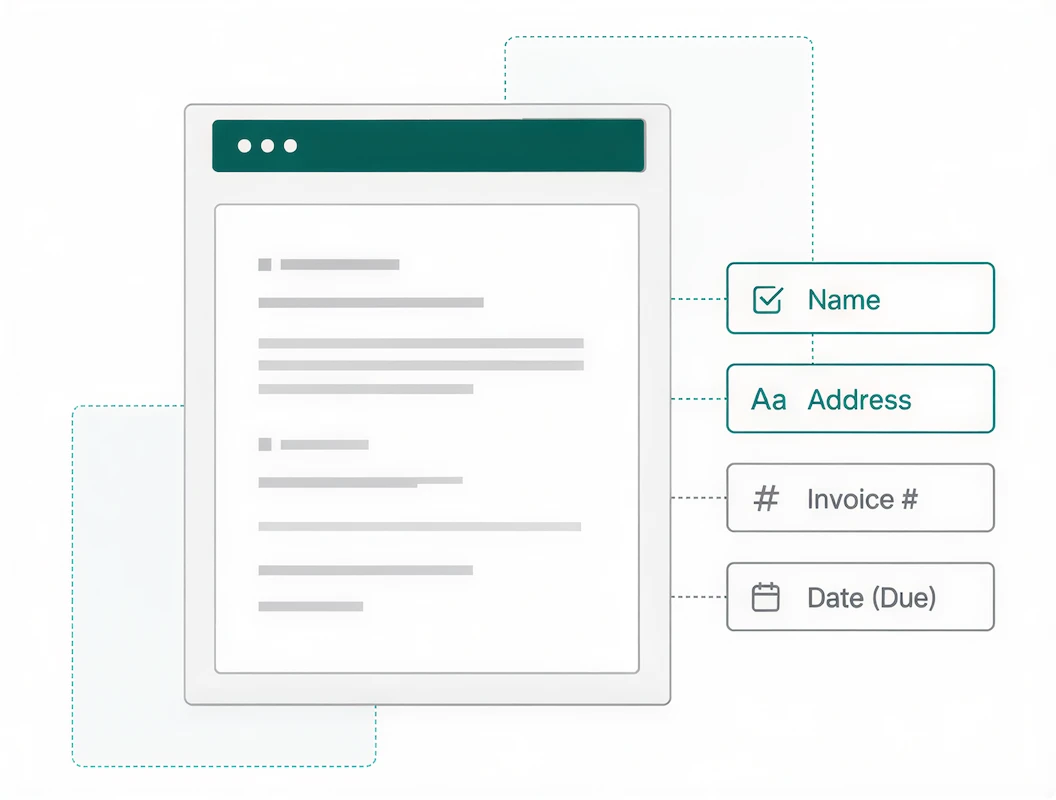
Define the fields you need
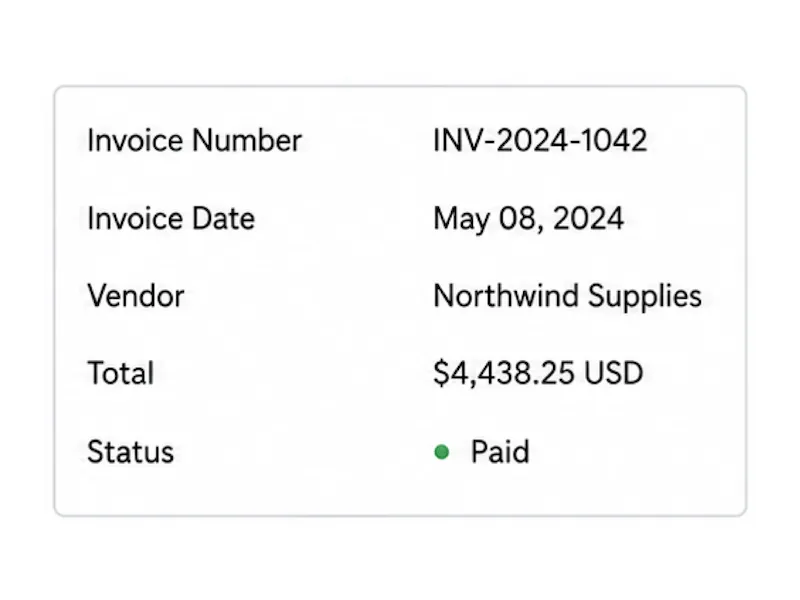
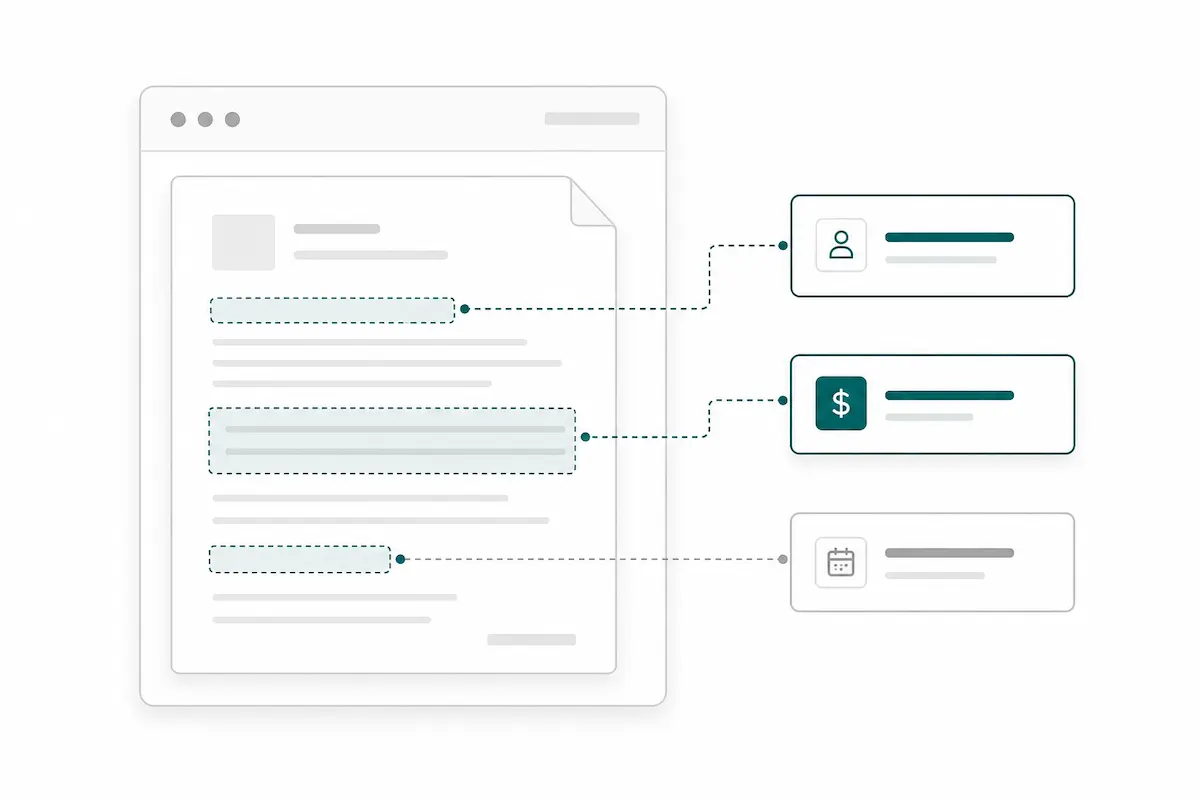
Tell Pixcribe what to capture, such as invoice totals, dates, names, addresses, bank statement rows, contract terms, or custom table columns. Your extraction schema keeps every result organized the same way.
Upload native or scanned PDFs
Add PDFs from your daily workflow, including invoices, receipts, purchase orders, reports, forms, and scans. Pixcribe reads the document content and applies your extraction rules to each file.
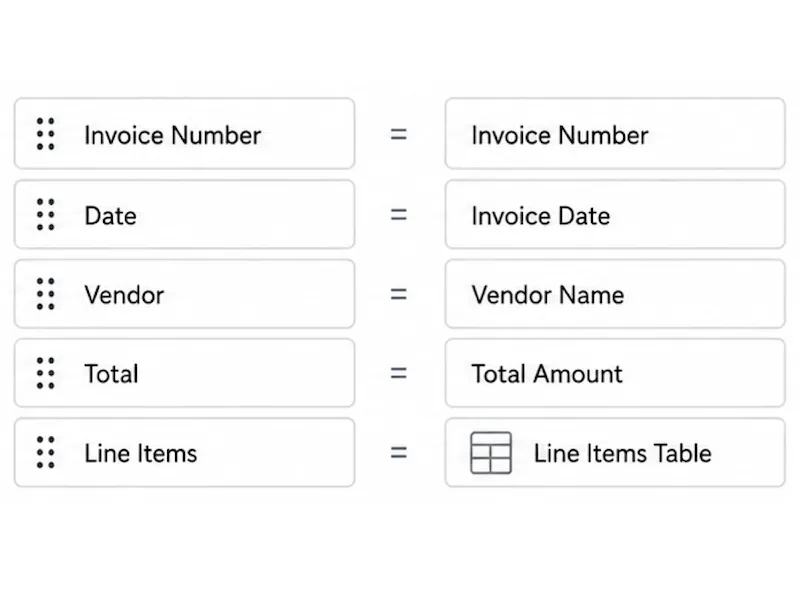
Review and download structured data
Check the extracted fields beside the original document, then download the result as JSON, CSV, or Excel for spreadsheets, databases, or downstream automation.
Extract the fields your team actually needs
Tell Pixcribe what to capture from each PDF, such as invoice numbers, totals, dates, parties, addresses, contract terms, or custom fields. The AI parser turns those instructions into structured output, so your team gets usable data instead of a page of copied text.
Turn PDF tables and line items into rows
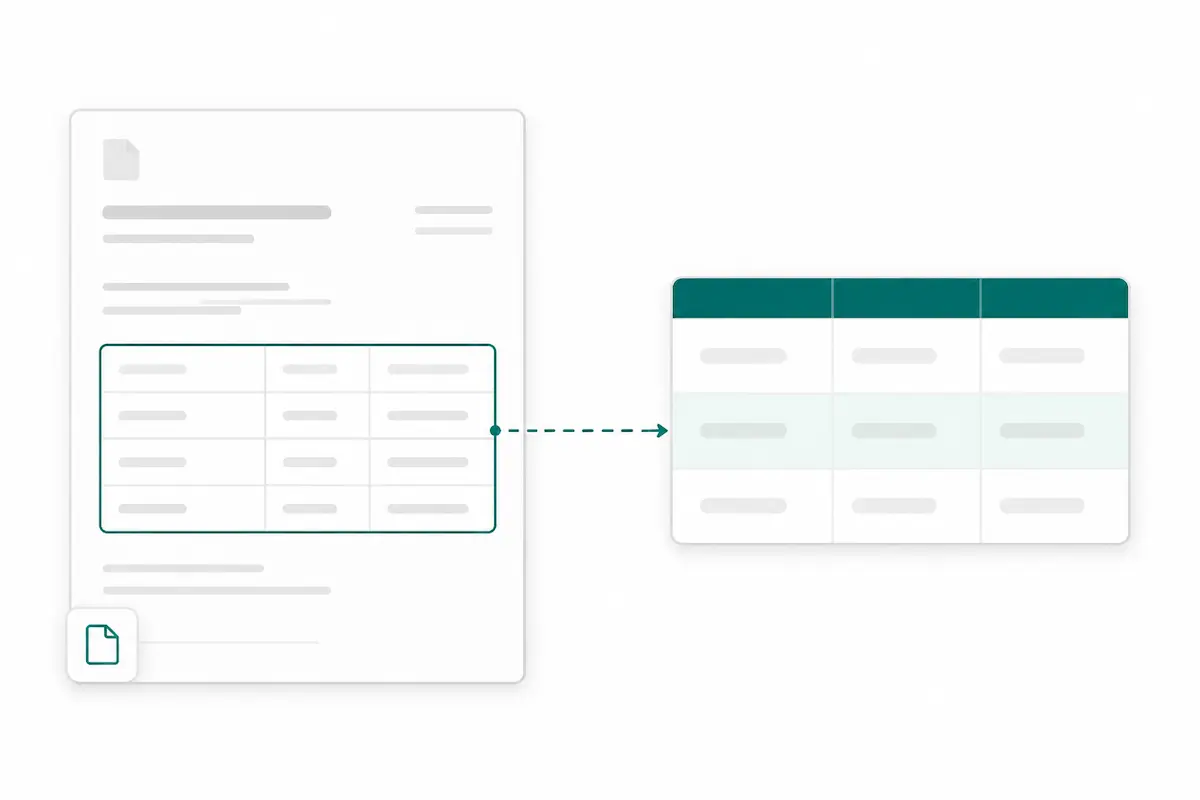
Invoices, purchase orders, bank statements, and reports often hide the most important details inside tables. Pixcribe helps extract repeating rows and line items into JSON, CSV, or Excel so you do not have to rebuild tables by hand.
Handle native PDFs and scanned documents
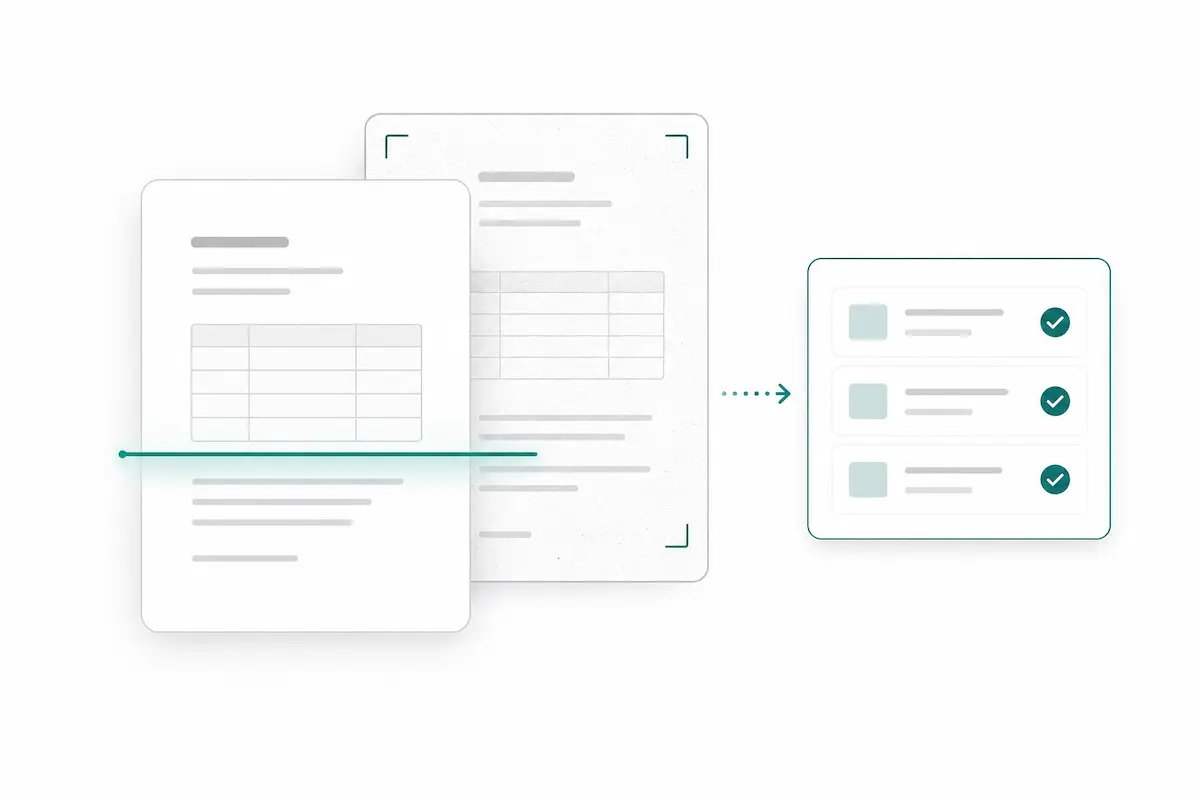
Work with text-based PDFs, scanned PDFs, images, receipts, forms, statements, and reports. Pixcribe combines document reading with AI extraction, so scanned files can become structured data when the source is clear enough to read.
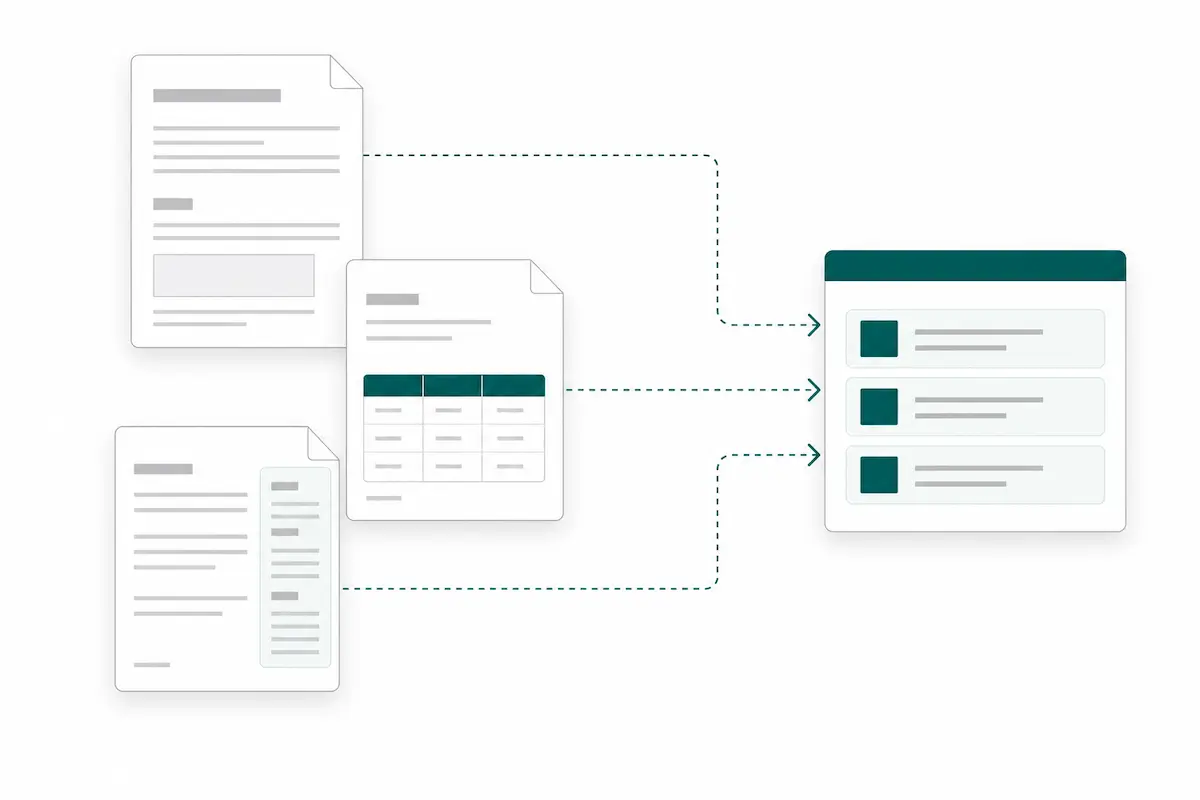
Adapt when layouts change
Template parsers work best when every file looks the same. Pixcribe is built for real PDF workflows where suppliers, customers, forms, and page layouts vary, helping you keep one extraction workflow useful across messy document batches.
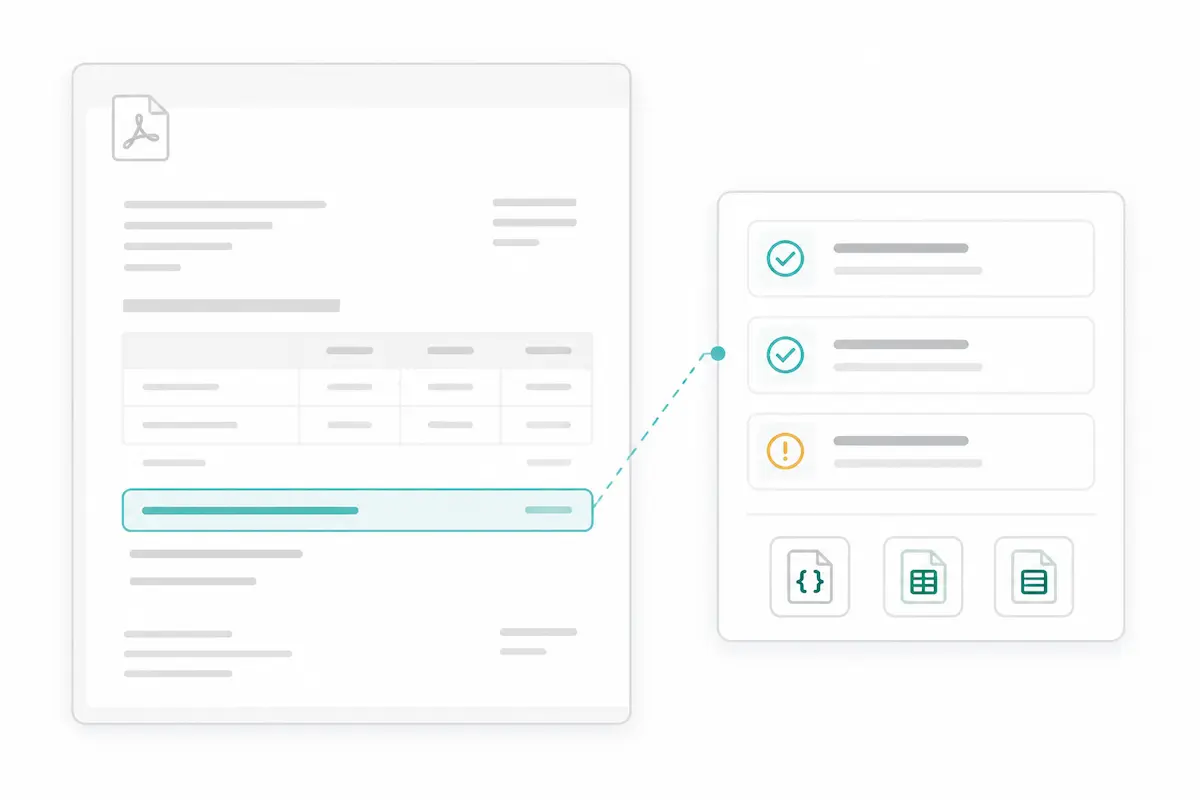
Check results before export
AI should speed up your work without taking control away from you. Review extracted fields beside the source document, catch missing or unusual values, then download clean data for spreadsheets, databases, or automation.
AI PDF parser built for practical data extraction
Use Pixcribe when PDFs contain important business data that needs to become structured, searchable, and ready for the next step.
PDF to JSON, CSV, and Excel
Download extracted PDF data in formats that are easy to inspect, share, import, or connect to the tools your team already uses.
Tables and line items
Extract rows from invoices, statements, purchase orders, and reports so repeated data does not have to be copied cell by cell.
Scanned PDF OCR
Work with scanned PDFs and image-based files when the text is clear enough to read, then turn recognized content into structured fields.
Reusable extraction schemas
Define the fields once for a document type, then reuse that setup across similar PDFs to make repeat extraction faster and more consistent.
Human review workflow
Check extracted values before export so errors, missing fields, or unusual documents can be handled before they enter a spreadsheet or database.
Document data management
Keep source files and extracted results organized around each extraction task instead of scattering PDF data across downloads and manual notes.
Frequently Asked Questions
An AI PDF parser reads a PDF and extracts specific information into a structured format. Instead of only converting the page into plain text, it identifies fields, labels, tables, line items, and context so the result can be reviewed, exported, and used in real workflows.
OCR turns visible text into machine-readable text. AI PDF parsing goes further by deciding what each piece of text means and where it belongs in your output. That is why it is useful for extracting invoice totals, table rows, dates, addresses, IDs, and custom fields from PDFs.
Yes. Pixcribe can work with scanned PDFs and image-based documents when the scan is readable. Scan quality still matters, so blurry, cropped, low-contrast, or heavily handwritten files may need extra review.
You define the fields you want to capture, but you do not need to manually draw zones for every new layout. Pixcribe is designed for schema-first extraction, so you can describe the output you need and reuse that structure across similar PDFs.
Yes. Pixcribe can extract structured rows from PDFs such as invoice line items, statement tables, order details, form entries, and report data. This is especially useful when the information needs to become CSV, Excel, or JSON instead of copied manually.
Pixcribe lets you download extracted results as JSON, CSV, and Excel. JSON is useful for structured workflows and databases, while CSV and Excel are helpful for operations, finance, research, and spreadsheet-based review.
AI extraction can save a large amount of manual work, but important outputs should still be reviewed before you rely on them. Pixcribe keeps review in the workflow so teams can check extracted fields, spot missing values, and handle unusual documents before export.
No. Your uploaded files, extraction instructions, and extracted results are not used to train AI models. Pixcribe is built for sensitive document workflows such as invoices, financial records, forms, statements, contracts, and operational files.
Start turning PDFs into structured data
Upload a PDF, define the fields you need, and let Pixcribe extract tables, line items, and key details into JSON, CSV, or Excel.